Owned groups come first
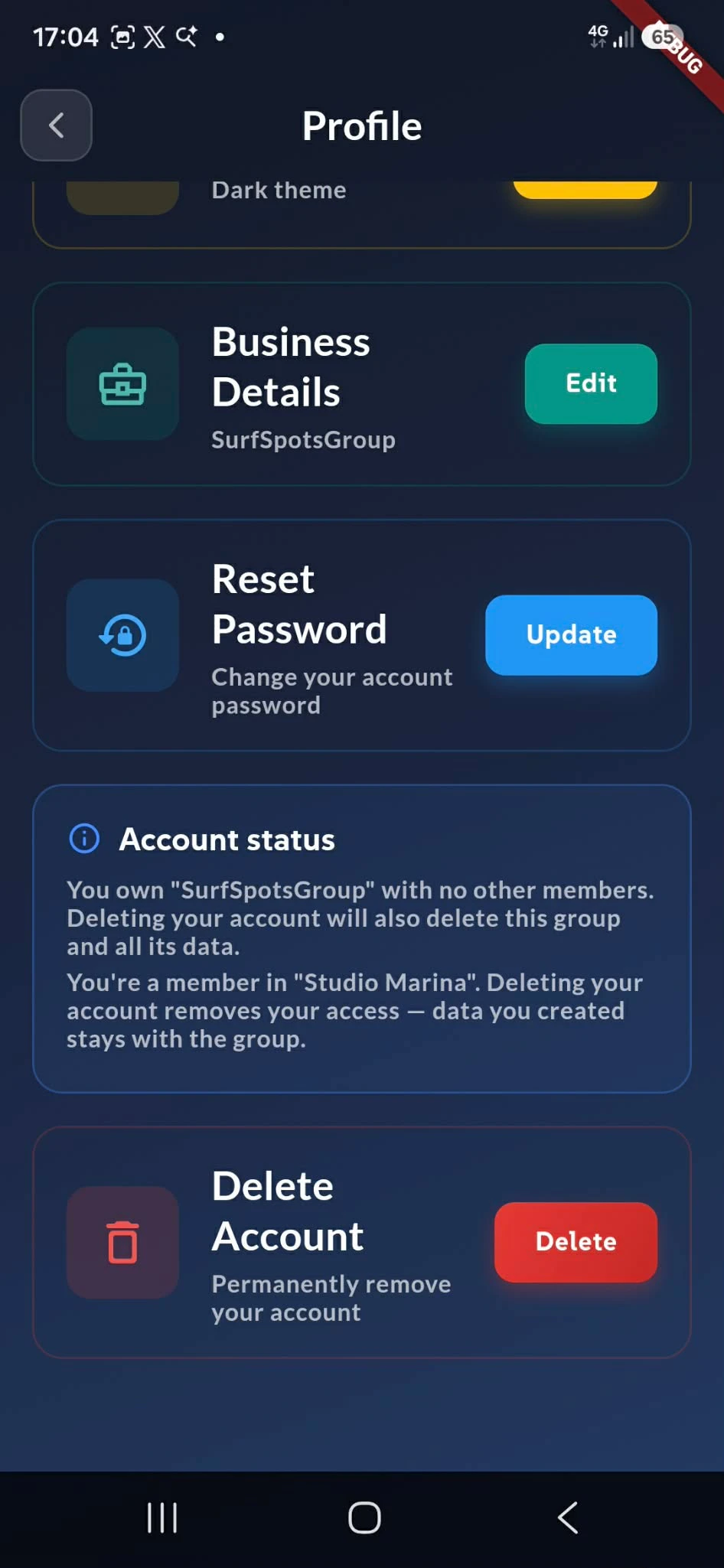
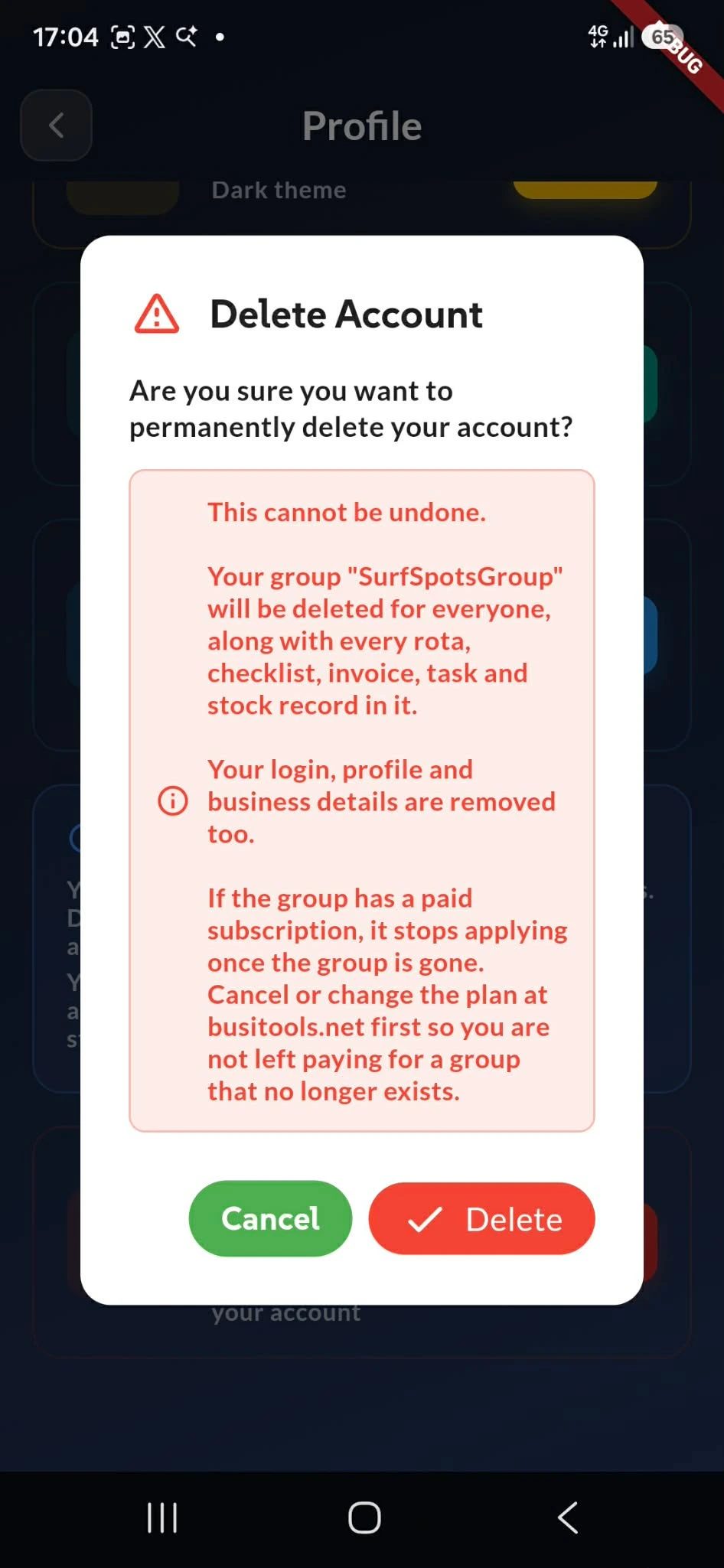
You can't delete your account while you still own a group with people in it — deleting would take their rota, checklists, invoices and stock records with it.
BusiTools tells you why, names the group, and gives you the three steps: open Manage Access, remove every member, then come back and delete. Make sure the others have what they need first, because the group's data goes when the group does.
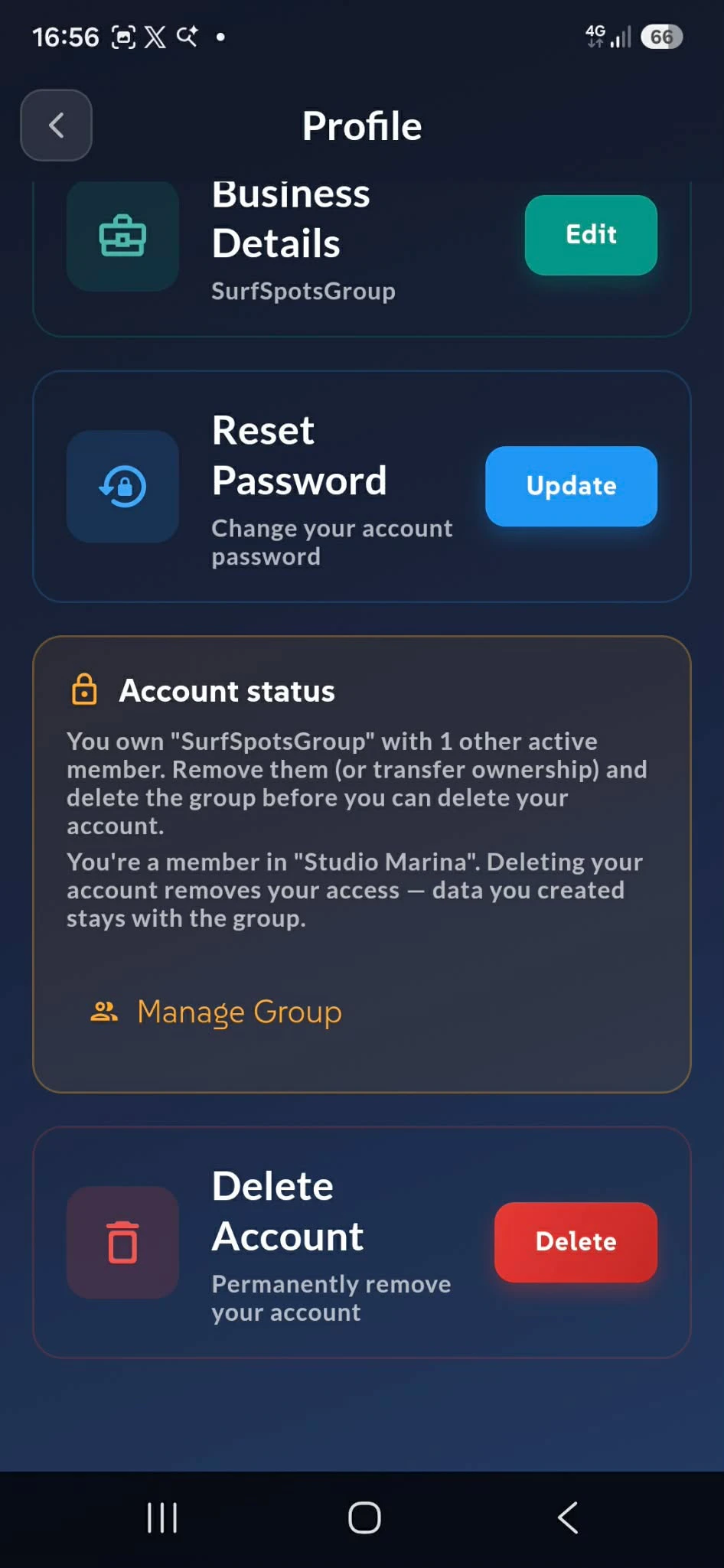
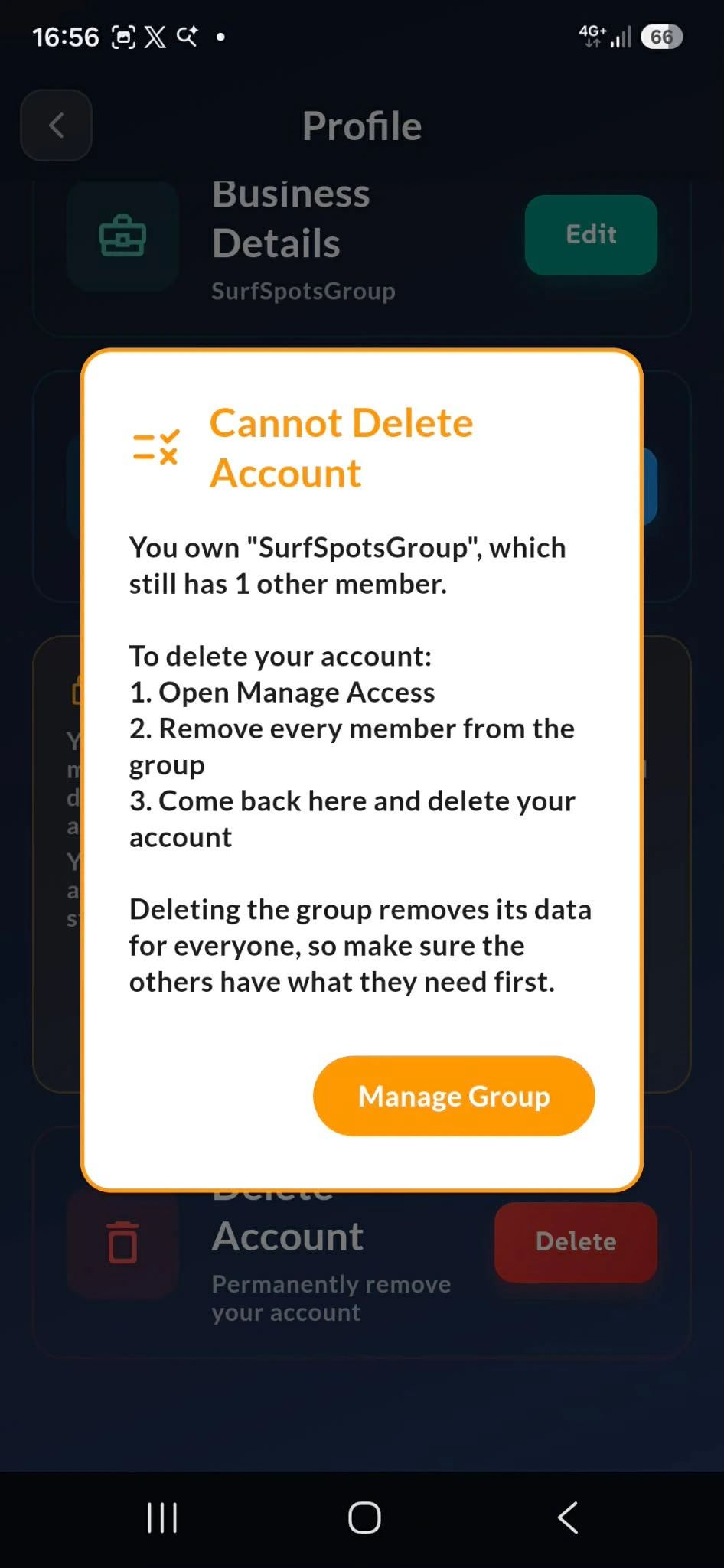
Blocked, not stuck
Owning a group with active members is what stops the deletion — not the group itself. Remove the last active member and the block lifts.
Deactivating someone isn't the same as removing them, and the difference cuts both ways. A deactivated member no longer blocks the deletion, but they still hold a seat on your plan — so deactivating won't free space to invite someone new. Only removal does both.
Removal is Team → tap the person → Management → Remove from Group. Tap Manage Group and BusiTools drops you straight into Manage Access to get it done.