Sign In
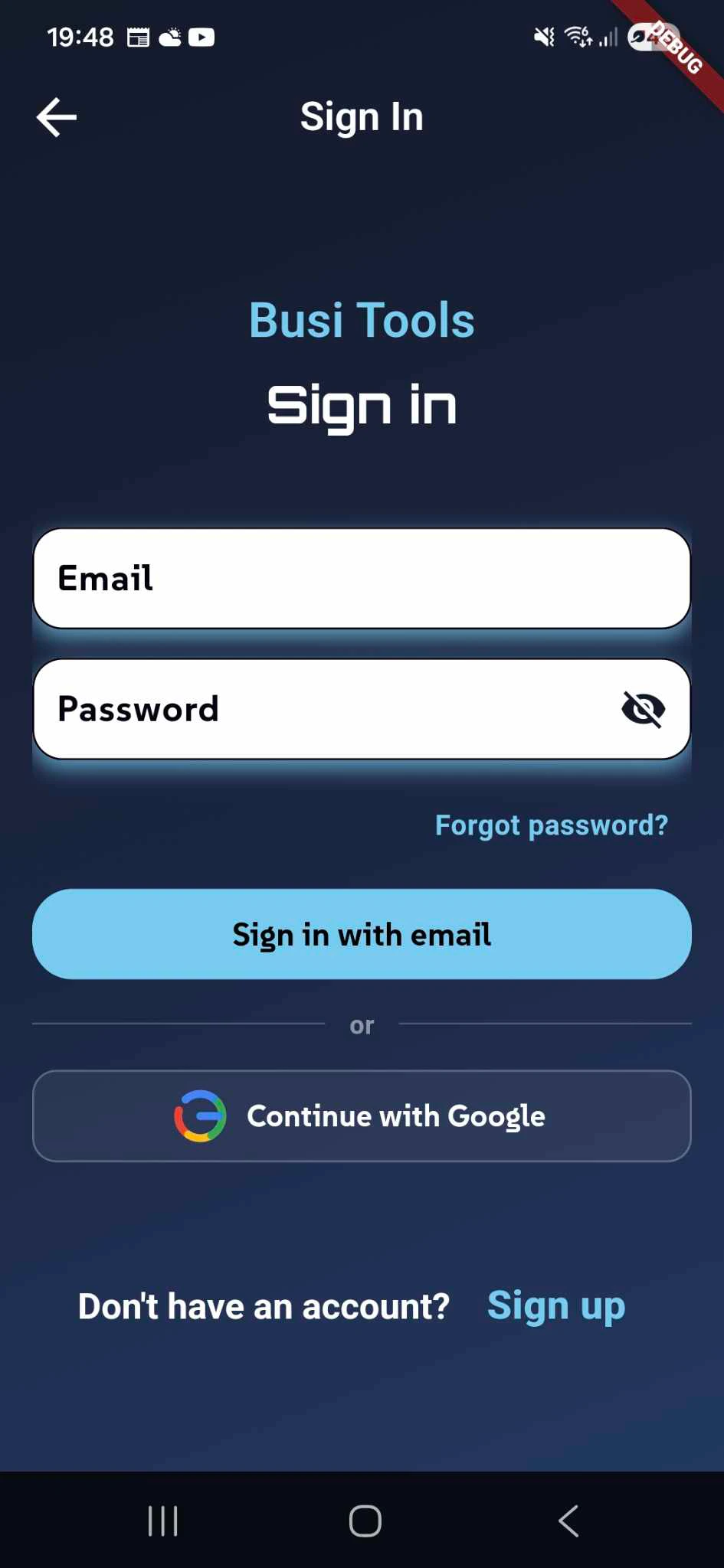
To access all premium features in BusiTools, you'll need to create an account or sign in to your existing one.
Signing In
If you already have a BusiTools account, simply:
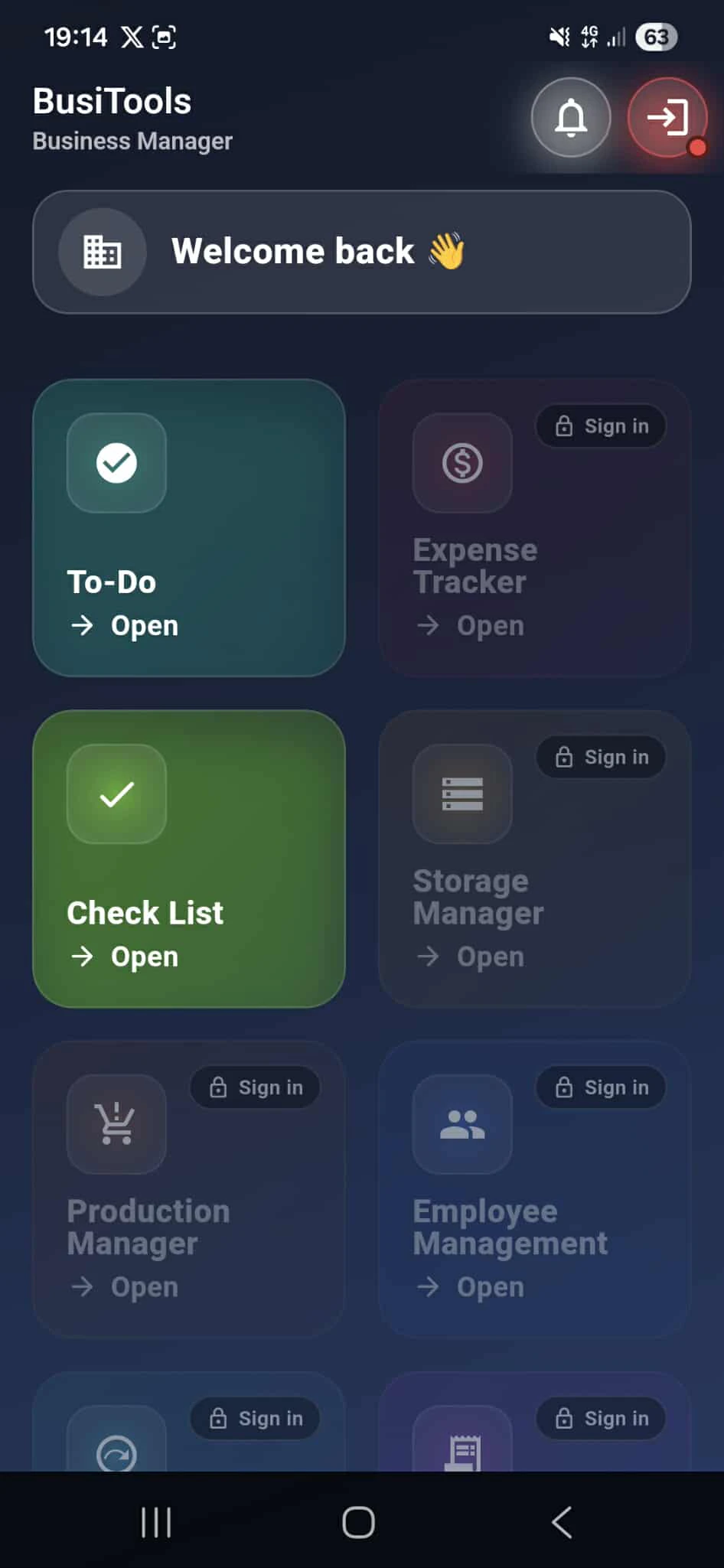
- Tap on any feature that requires "Sign in" (such as Expense Tracker, Storage Manager, Production Manager, or Employee Management)
- Enter your Email address
- Enter your Password (you can toggle visibility using the eye icon)
- Tap the "Sign in with email" button
- "Sign in with Google" button
Your credentials will be securely stored, allowing you to access all business management tools.g Started

Sign-Up
he Sign-Up screen makes it easy to create your new BusiTools account in just a few simple steps. Follow this guide to get started with full access to all business management features.
Registration Fields
To create your account, you'll need to provide the following information:
Display Name - Enter the name you want to be shown throughout the app. This can be your personal name, business name, or any preferred identifier.
Email - Provide a valid email address. This will be used for:
- Logging into your account
- Password recovery
- Important notifications and updates
- Account verification
Password - Create a strong, secure password to protect your business data. Use a combination of letters, numbers, and special characters for maximum security.
Confirm Password - Re-enter your password to ensure accuracy. Both password fields include a visibility toggle (eye icon) so you can verify your entry before submitting.
Completing Registration
Once all fields are filled correctly:
- Review your information for accuracy
- Tap the "Sign up with email" button
- You may receive a verification email - check your inbox and follow any confirmation steps
- Once verified, you'll have immediate access to all premium BusiTools features
