Dashboard
Your workspace, organised around who does what
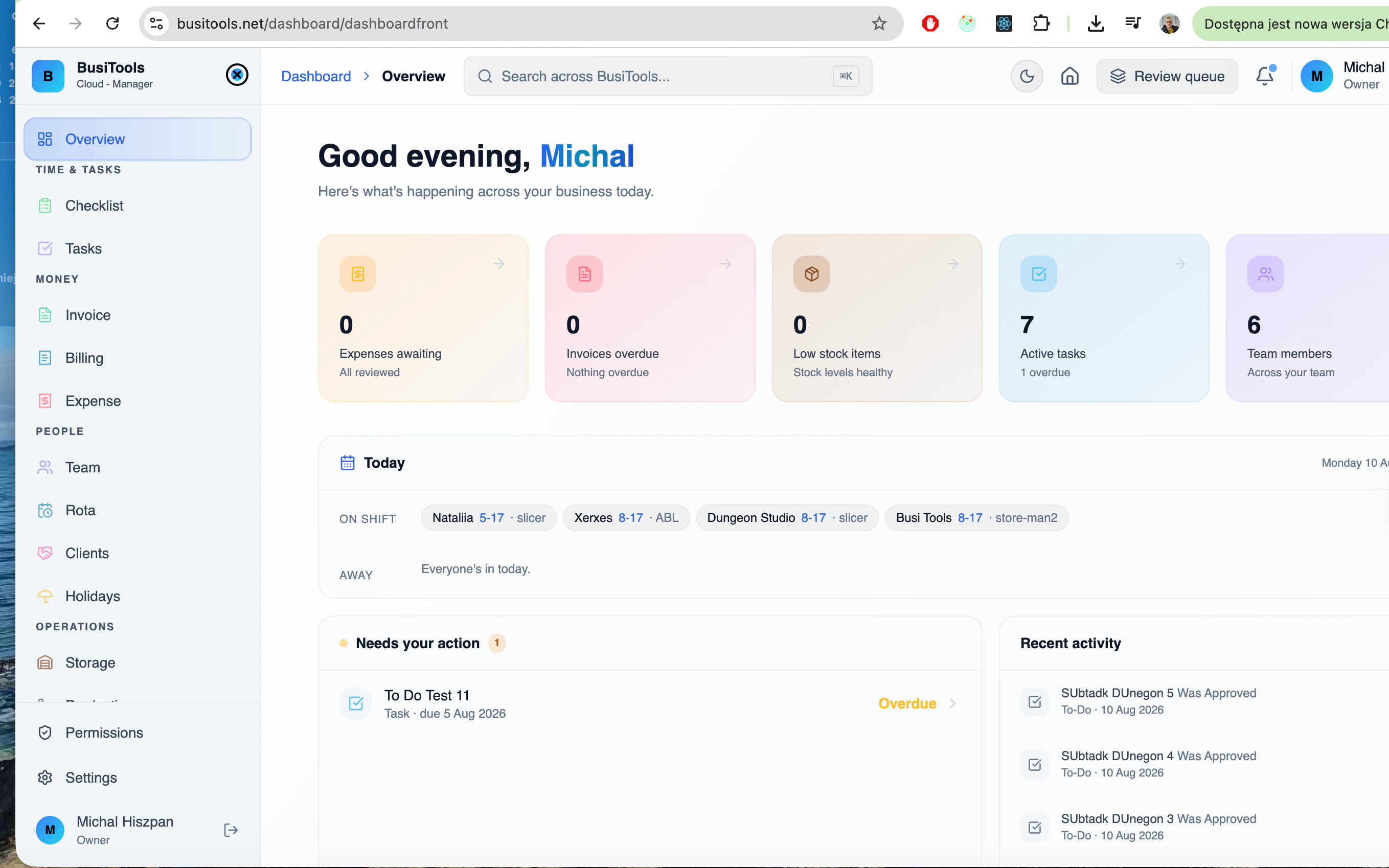
The BusiTools Cloud dashboard is where the whole operation comes together — every service in one place, with access controlled per person so nobody sees more than they need. Sign in and you land on a workspace that already knows your role.
How the desktop app works
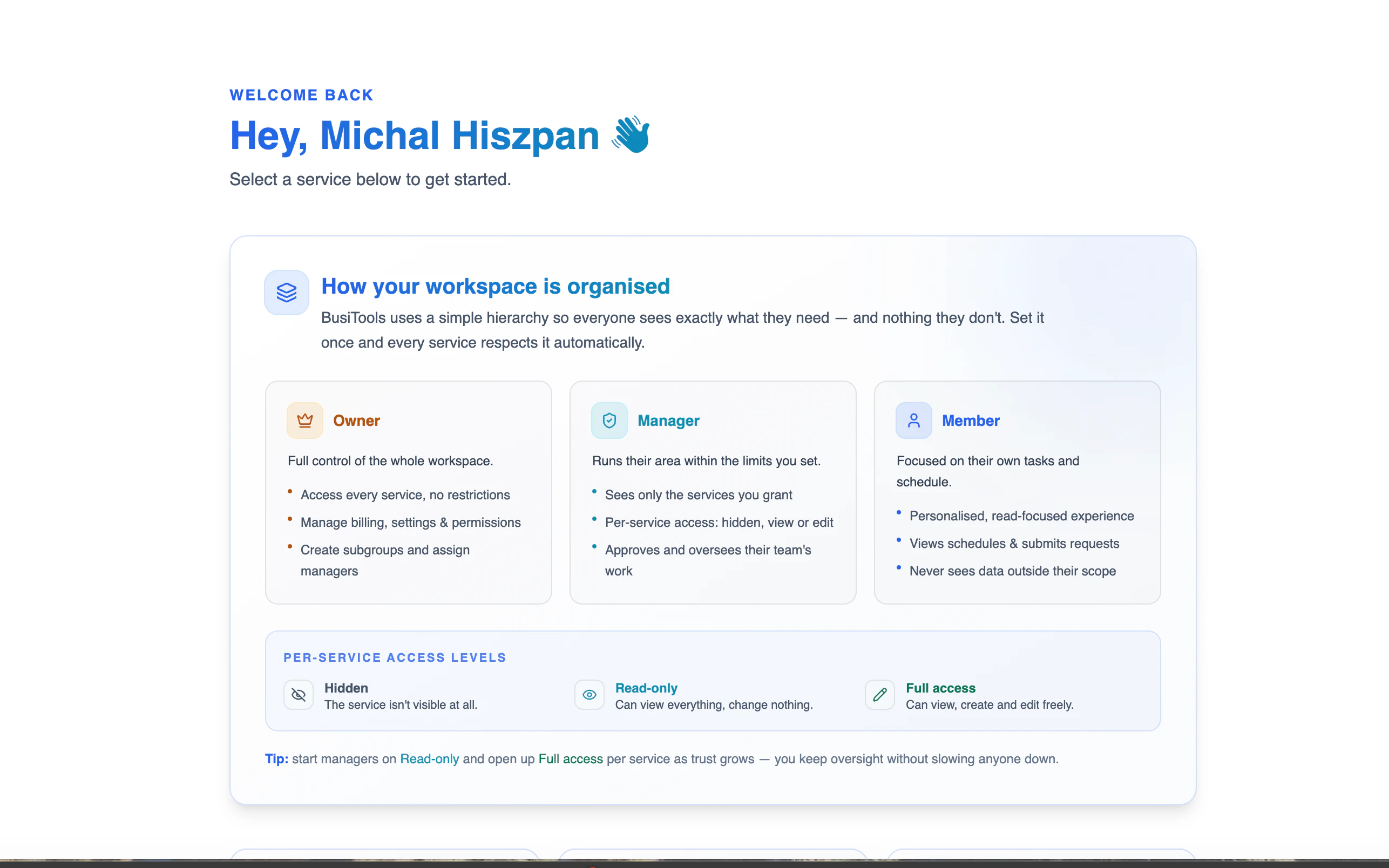
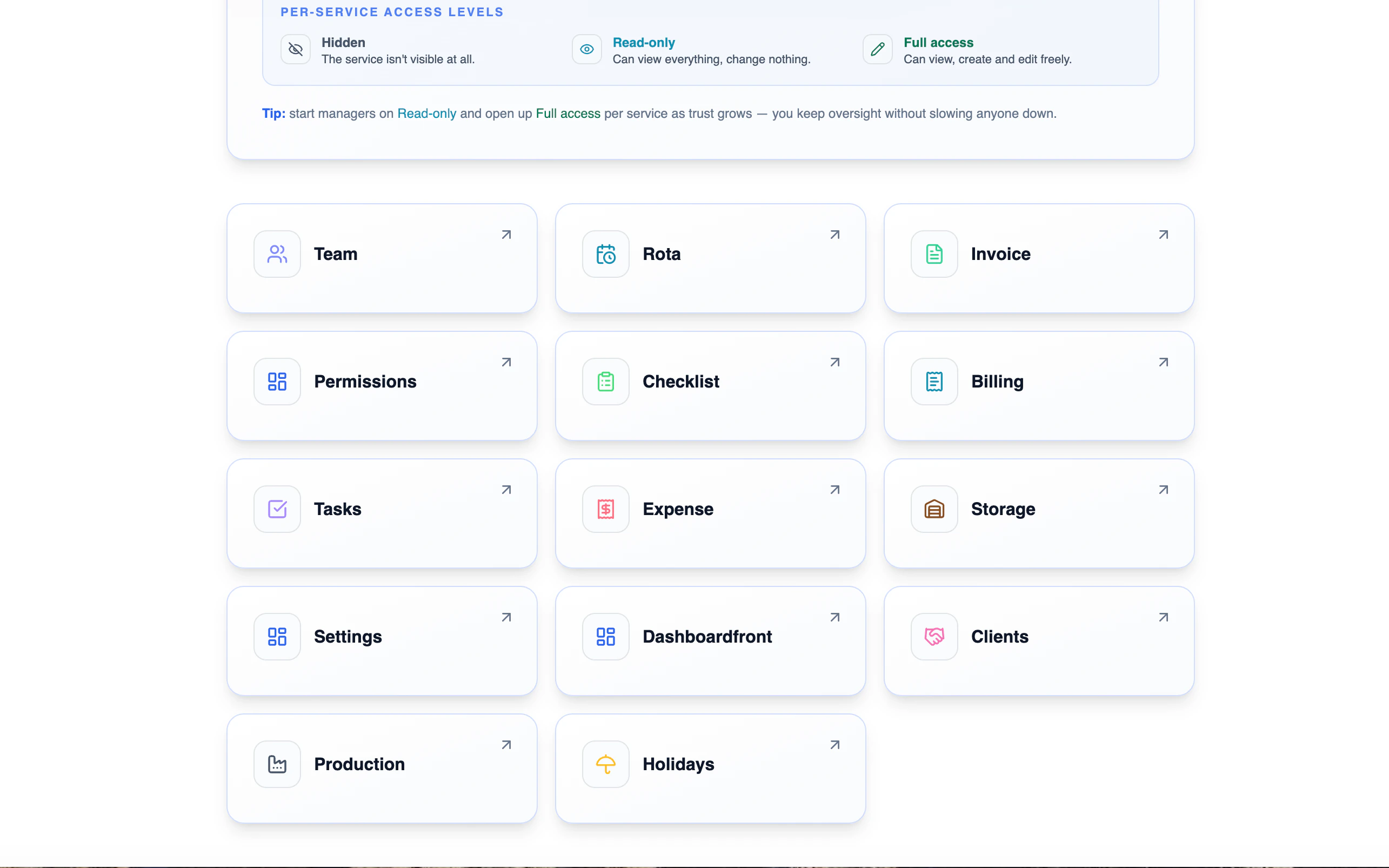
The dashboard is the front door to every service in BusiTools — rota, invoices, expenses, stock, tasks and the rest. What you see when you land there depends entirely on your role. Owners get the full workspace. Managers see only the areas you've granted them, at the access level you choose. Members get a stripped-back view of their own tasks and shifts and nothing else. Set that hierarchy once in Permissions and every screen below respects it automatically — no per-service configuration, no accidental oversharing.
1Roles set once, respected everywhere
Owners get everything. Managers run their own area within limits you set. Members see only their own tasks and schedule. Set the hierarchy once and every service — rota, invoices, expenses, stock — enforces it automatically.